

Use the five-question job brief, worked example, current product evidence, and downloadable worksheet to choose the right building surface before you choose a brand.
The useful way to compare an AI website builder vs AI app builder is not to ask which category is more powerful. Ask which job you are hiring the product to do.
A website job is usually about publishing, explaining, persuading, and helping a visitor take a bounded next step. An application job is usually about accepting data, remembering state, applying rules, and returning a result to a particular user. Both can have beautiful pages. Both can contain forms. Both can use AI. The operating obligations are different.
I would decide the job before making a product shortlist. That order protects an agency from two expensive mistakes: buying application machinery for a brochure site, or promising a client portal from a tool selected mainly for page generation.
Choose a website builder when the primary deliverable is a public web presence and the platform already handles the bounded interactions you need. Choose an app builder when your team must define and verify user-specific data, permissions, business rules, and failure paths. Choose both when the acquisition site and the operating product have different owners or release rhythms.
The labels are clues, not requirements
The category line is real, but it is not a wall. A modern website platform can include a CMS, forms, members, ecommerce, personalization, and generated code components. An app platform can generate a polished landing page. Some vendors now serve both jobs.
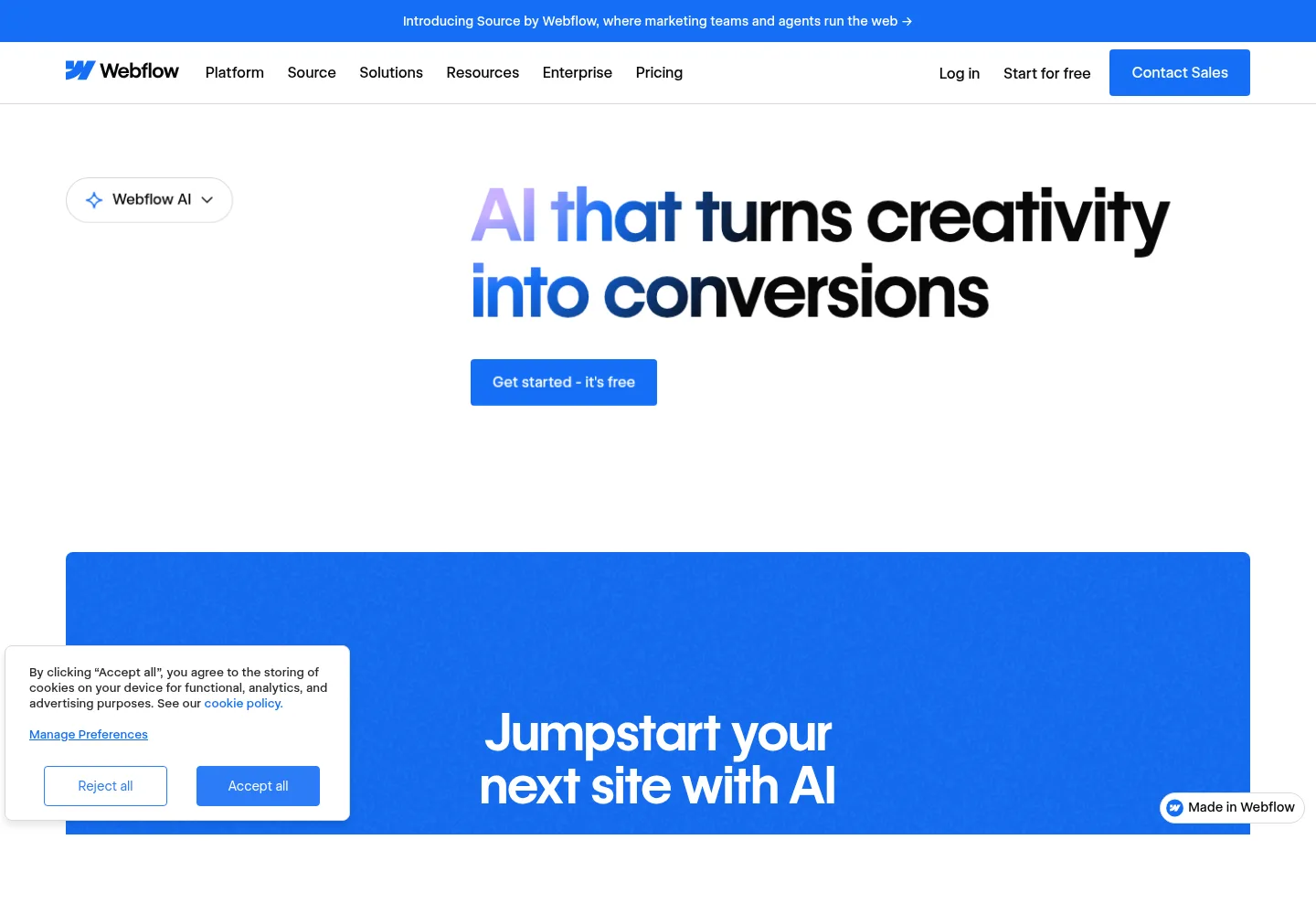
Webflow, for example, currently presents AI capabilities for generating sites, copy, CMS items, page sections, and code components on its Webflow AI product page. Its help documentation also says the AI site builder starts with a new site or an existing AI-generated site and creates an initial responsive, multi-page structure. Those are useful facts about a current product. They do not prove that every request belongs in the website-builder category.
The reverse is also true. An app builder may be capable of publishing public pages, but that does not automatically make it the best content workflow for a marketing team. Capability answers “can it?” Fit answers “should this team operate it?”
AI website builder vs AI app builder at a glance
| Decision area | Website-first job | Application-first job |
|---|---|---|
| Primary user | Visitor, reader, prospect, editor | Signed-in customer, staff member, partner, operator |
| Core asset | Pages, structured content, media, navigation | Records, relationships, rules, workflows, user state |
| Typical action | Read, compare, search content, submit, book, buy through supported commerce | Create, update, approve, calculate, collaborate, track, reconcile |
| Main acceptance evidence | Content, responsive layout, metadata, navigation, forms, publishing workflow | Allowed and forbidden access, state transitions, validation, retries, logs, recovery |
| Common handoff owner | Marketing or content operator | Product or operations owner with technical support |
| Failure consequence | Broken presentation or missed inquiry | Wrong record, unauthorized access, duplicate action, inconsistent state |
This table describes the center of each job. A store can still be website-first when a mature platform owns catalog, cart, payment, and order behavior. A calculator can still live on a marketing site when it uses no sensitive state and has a bounded result. The question is not whether the page moves. The question is who owns the rules behind the movement.
Use a five-question job brief before comparing products
I use five questions to turn a fuzzy “AI build” request into a product brief.
- Who is the primary user? Name the visitor, client, staff member, partner, or administrator and the result each one needs.
- What must the system remember? List content, submissions, drafts, accounts, orders, permissions, status, and history. Name which records belong to which user or organization.
- Which rules must be enforced? Write the important rules as testable sentences. “A client can read only its own projects” is useful. “Add a secure portal” is not yet testable.
- What happens when something fails? Define the visible fallback, retry behavior, duplicate handling, alert owner, and reconciliation process.
- Who operates it after handoff? Separate content editing, user support, data correction, releases, monitoring, billing, and incident response.
If the answers stay mostly in pages, content, ordinary forms, and an established platform workflow, I would start website-first. If the answers introduce user-owned records, role-specific actions, state transitions, or custom failure behavior, I would treat it as application work even if the interface looks like a simple website.
Download the AI builder job brief to record the answers, map authorization, and compare evidence from shortlisted products.
Hire an AI website builder for a publishing system
A strong website-builder brief begins with information architecture, content models, visual direction, responsive behavior, search requirements, conversion paths, and the client’s publishing workflow. AI can accelerate the first structure and draft. The agency still owns judgment.
For a five-page professional-services site, the real deliverable may include:
- approved Home, Services, About, Work, and Contact pages;
- a reusable design system and responsive sections;
- a CMS model for articles or case studies;
- a tested inquiry form and a visible failure state;
- page titles, descriptions, social images, canonical URLs, and redirects;
- analytics and consent behavior appropriate to the project;
- a content editing role, publishing route, and handoff exercise.
That is substantial work, but it is mostly a publishing system. The client may never need a custom database of users, a permission matrix for each record, or a queue of background jobs.
Do not oversimplify this to “static.” A website can be dynamic, searchable, localized, personalized, and connected to services. It can collect leads and sell products. If the platform supplies the hard parts as a supported feature, your job is to configure and test that contract rather than rebuild it.
The acceptance test should follow the business journey. Read every page, test navigation and forms, inspect representative phone and desktop widths, verify metadata, use the intended editor account, and confirm what the client can publish. If clients will edit with AI after launch, use a narrow editing surface and an explicit review path. The existing guide to AI website editing for clients covers that operating layer.
Hire an AI app builder for a rules and state system
An application brief starts with users, records, permissions, workflows, and exceptional states. Page design matters, but the most consequential behavior may be invisible in a screenshot.
Bubble’s current AI app generation guide asks builders to describe the app type, target users, core features, and visual direction, then review features and user scenarios before generation. That planning step is important because “client portal” can hide several different systems.
Imagine a client portal where customers upload documents, staff request revisions, and both sides can see project status. The screens are only one layer. You also need to define:
- the customer, staff, reviewer, and administrator roles;
- which organization owns each project and document;
- who may upload, download, replace, approve, or delete a file;
- file size, type, scanning, retention, and error behavior;
- status transitions and who may trigger each one;
- notifications, duplicate events, and failed deliveries;
- audit needs, support tools, exports, backups, and account removal.
A login screen does not satisfy that brief. Authentication identifies someone. Authorization decides what that person can do. The latter must be enforced where an untrusted browser cannot bypass it.
Bubble’s privacy-rule documentation makes this concrete: its rules run server-side and control whether stored data is sent or changed. Lovable likewise documents row-level security policies that decide which rows a signed-in user may see or change.
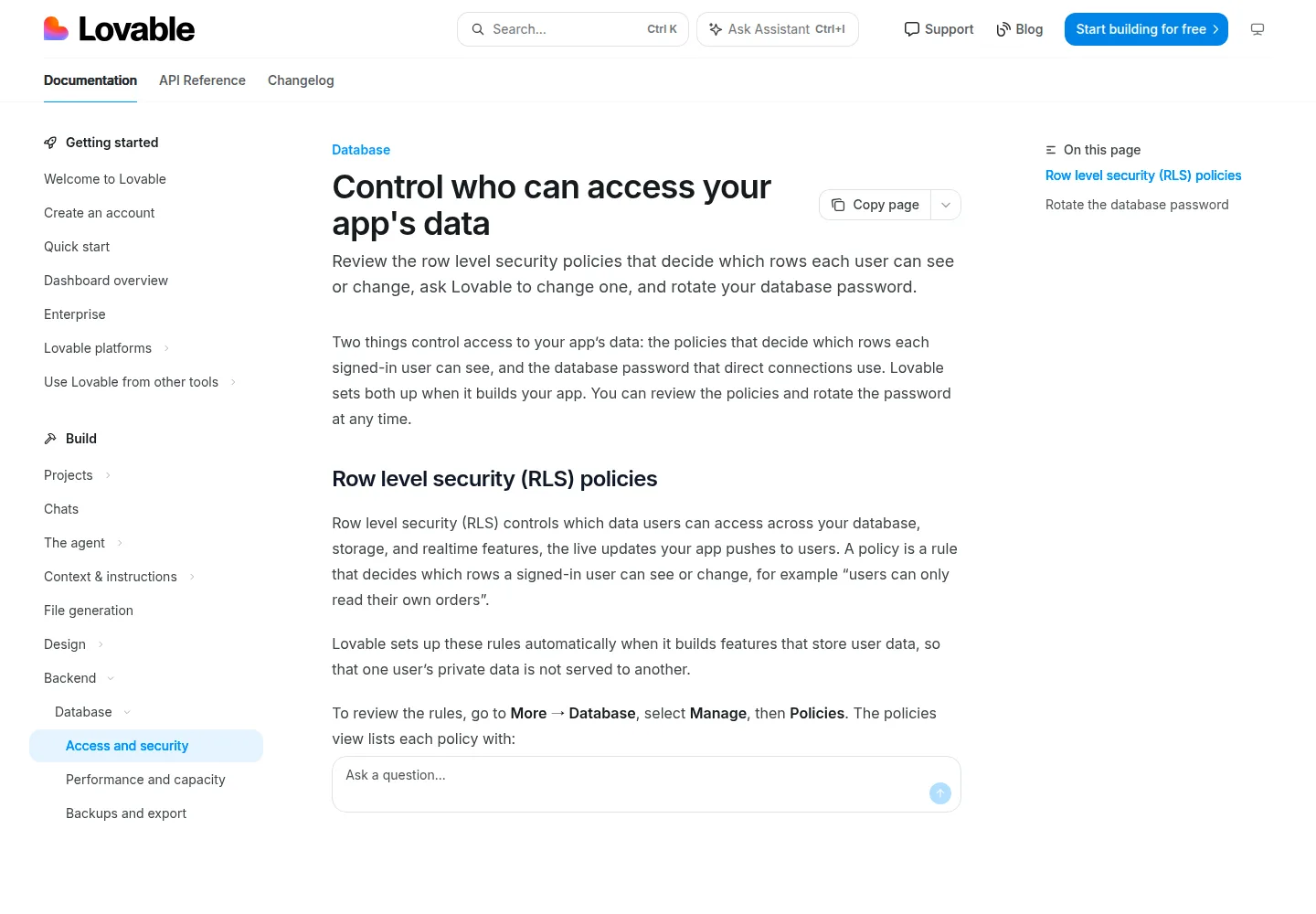
The vendor’s own security guidance is a useful restraint. Lovable says its security scans can identify common issues but do not replace a thorough review. That is the right mental model for generated application code. Generation can create a starting point. It does not transfer accountability away from the agency.
Do not let login or database be your only test
“Does it need login?” is a helpful shortcut, not a complete decision method.
A members-only resource library may have login but still be website-first because every approved member sees the same managed content. A public quote calculator may have no login but still be application-like if it applies custom pricing rules, stores sensitive inputs, calls several services, and creates a record that staff must reconcile.
I would look for three stronger signals:
- Per-user state: the system returns different records or actions to different people.
- Custom business rules: the project needs rules that are not already owned by a supported platform feature.
- Operational consequence: an incorrect or duplicate action can change money, access, fulfillment, or a business record.
One signal may fit inside a website platform. All three usually deserve application-level scoping and testing.
Use both when acquisition and operation are different products
Many client projects should not force one tool to do both jobs. A public site may need campaign pages, editorial publishing, search visibility, and frequent marketing changes. The signed-in product may need records, permissions, releases, and operational support.
A clean split can place the public site at the main domain and the application at an app or portal subdomain. The exact architecture varies, but the proposal should name:
- which system owns identity and the canonical customer record;
- how navigation and brand assets stay consistent;
- which forms create application records and how failures are reconciled;
- who can release the site and who can release the app;
- which analytics events cross the boundary;
- how each system is exported, transferred, and supported at exit.
This is not automatically more complicated for the client. It can be simpler because a marketing editor does not need application deployment access, and an application release does not need to disturb the public content workflow.
Worked example: a consultancy that asks for a portal
Consider a fictional ten-person consultancy. This is an illustrative scope, not a customer story or a result. Assume the firm needs a public site with six service pages, articles, case studies, and an inquiry form. During discovery, it also asks for “a simple client portal” where clients can upload briefing files and see project status.
I would split the request before selecting tools.
| Requirement | Job | Acceptance evidence |
|---|---|---|
| Service pages and case studies | Website | Approved content, CMS fields, responsive templates, metadata, editor test |
| Inquiry form | Website with integration | Validation, consent, marked submission, recipient and failure check |
| Client sign-in | Application | Signup or invitation rules, recovery, session and removal tests |
| Project status | Application | Allowed transitions and role-specific visibility |
| File exchange | Application | Ownership, type and size rules, unauthorized download test, retention |
| Client handoff | Both | Separate publishing, support, data, recovery, and exit owners |
There are now three honest options. Phase one can launch only the website and use an existing approved file-sharing process. The agency can build the site and portal as separate surfaces. Or it can choose a platform that supports both after verifying each requirement.
The dishonest option is to leave “portal” as one proposal line, generate a dashboard, and discover after approval that users can see the wrong records or no one owns support.
Evaluate the shortlist with evidence, not category names
Once the job is clear, ask every candidate the same questions. Record a current documentation URL and a test for each answer.
- Creation: Can it generate and edit the required pages, components, records, and workflows?
- Control: Can the team inspect and change what the AI created without prompting around every defect?
- Authorization: Where are application access rules enforced, and can you test them with two real roles?
- Integration: How are private credentials stored, external failures handled, and duplicate events reconciled?
- Release: Are preview, approval, production release, rollback, and data migration distinct enough for the risk?
- Operations: What logs, alerts, usage controls, backups, exports, and support tools exist?
- Handoff: Can the client own the domain, accounts, data, source or project, and vendor relationship it needs?
- Commercials: Which plan, billing interval, usage unit, allowance, add-on, and overage applies today?
Do not infer a capability from a successful page load or a marketing phrase. Build a thin proof around the riskiest requirement. For a website, that might be the real editor and publishing path. For an app, it might be a two-user authorization test plus one failed integration.
Scope and price the right job
A website proposal can usually organize work around pages, content types, templates, integrations, responsive states, launch checks, and editing access. An application proposal needs additional ledgers for data design, roles, workflows, edge cases, testing, migrations, monitoring, and support.
Do not hide that difference inside a generic “AI build” fee. The AI website agency services guide separates build, platform, care, and improvement work. That same separation becomes even more important when the deliverable stores client data or runs business processes.
I would put this sentence near the top of the proposal:
We are building a public lead-generation website for the client’s marketing team. The scope includes approved pages, a CMS, an inquiry form, and editor training. It does not include customer accounts, user-specific records, or a client portal, which require a separately scoped application.
Or, if the application is included:
We are building a public website and a signed-in project portal as two connected surfaces. The portal scope includes the named roles, records, access rules, status workflow, file policy, tests, and support responsibilities in this proposal.
The words are not legal magic. They force the team to name which job has actually been estimated.
Where Fork fits in the decision
Fork is not limited to rearranging page sections. Its Agent documentation describes an agent that works inside the selected space, edits the application, runs builds and tests, and operates a sandbox-scoped preview. A Fork space is an isolated, persistent application sandbox with a runtime, storage, and hostname. That can support website work or application work.
The boundary still matters. Runtime isolation is not customer authorization. Fork’s project roles govern project collaboration and do not automatically define which records an application user can read. Likewise, snapshots and previews support review and file recovery, but restoring a workspace is not the same as reversing an email, payment, or change in an external system.
That is why I would still start with the job brief. A capable coding agent expands what the agency can build. It does not make every acceptance test the same.
Common questions
Can an AI app builder make a normal website?
Often, yes. The better question is whether it gives the client the design, content, SEO, publishing, collaboration, and handoff workflow the website needs without unnecessary operating burden.
Does a contact form make a site an app?
Not by itself. A supported form with validation, delivery, storage, and a tested failure path can fit a website job. If the submission becomes a custom record with assignments, statuses, permissions, and staff workflows, application scope is appearing.
Does login always mean I need an app builder?
No. Login can gate the same content for every approved member. Treat the project as an app when identity changes which records or actions a user receives and your team must define those rules.
Should the website and app use one platform?
Only when one platform meets both briefs and the ownership model remains clear. One invoice is not worth forcing marketing and product operations into a poor shared workflow.
What should an agency test first?
Test the requirement most likely to invalidate the product choice. For a site, use the real editor and publish a representative content change. For an app, create two users, seed distinct records, and attempt both allowed and forbidden actions from the browser and relevant endpoints.
Choose the job first, then hire the builder
The AI website builder vs AI app builder decision becomes much easier when you stop comparing prompt boxes and start comparing responsibilities.
Name the users. Inventory the state. Write the rules. Design the failure paths. Assign the post-launch owner. Then verify which product can satisfy that brief with evidence you can hand to a client.
If the work is mainly publishing and conversion, hire for a website. If it is mainly user-specific state and rules, hire for an application. If the client needs both, split the surfaces and make the boundary part of the architecture and proposal.
Fork supports agencies building client websites and applications with an in-space coding agent, previews, and persistent runtimes. Access is currently opening in batches. Join the Fork waitlist if you want to explore that workflow, and use the job brief now to make your next platform comparison concrete.